Shift Handover
Drivers sign on and off the vehicle with their own credentials. The vehicle record continues across the handover while each driver's work stays attributed to them.

Driver Companion
The in-vehicle application running on the certified terminal. It is paired to the vehicle rather than to a personal phone, which is what makes it usable for shared cars, multi-shift operations and regulated meter work.
Where a vehicle is licensed, metered and shared across shifts, the operating record has to belong to the vehicle. A personal phone cannot hold a sealed meter link, survive a shift handover, or keep working when its owner goes home.
The job lifecycle, plus everything that has to be physically present in a licensed vehicle.
Drivers sign on and off the vehicle with their own credentials. The vehicle record continues across the handover while each driver's work stays attributed to them.
Offer, accept, on-route, arrived, passenger on board and complete, driven from a screen sized for use at a wheel rather than a desk.
Connects to the regulated taximeter so the fare charged is the metered fare, with the link monitored for interruption.
Printed receipts where licensing conditions require them, carrying the vehicle, driver, route and regulated fare breakdown.
Live queue position, zone occupancy and where demand is building, so waiting time is spent in the right place.
Direct messages from controllers and broadcast notices from the authority, acknowledged on screen and recorded.
Working hours tracked against the authority's limits, with warnings before a driver reaches one and a stop when they do.
Jobs already accepted continue through a connectivity gap. The terminal stores the record and reconciles it when the vehicle reconnects.
The two are deliberately different products. Most deployments use both, and a single driver account works across them.
| Driver App | Driver Companion | |
|---|---|---|
| Runs on | The driver's own smartphone | The certified in-vehicle terminal |
| Belongs to | The driver | The vehicle |
| Shift handover | Driver signs in on their own device | Drivers hand the vehicle over in place |
| Regulated meter | Not connected | Connected and monitored |
| Receipt printing | Digital receipt only | Printed and digital |
| Works without the driver's phone | No | Yes |
| Typical use | Private hire and app-booked work | Metered taxi, rank work and shared vehicles |
| Tamper evidence | Not applicable | Housing and power monitored |
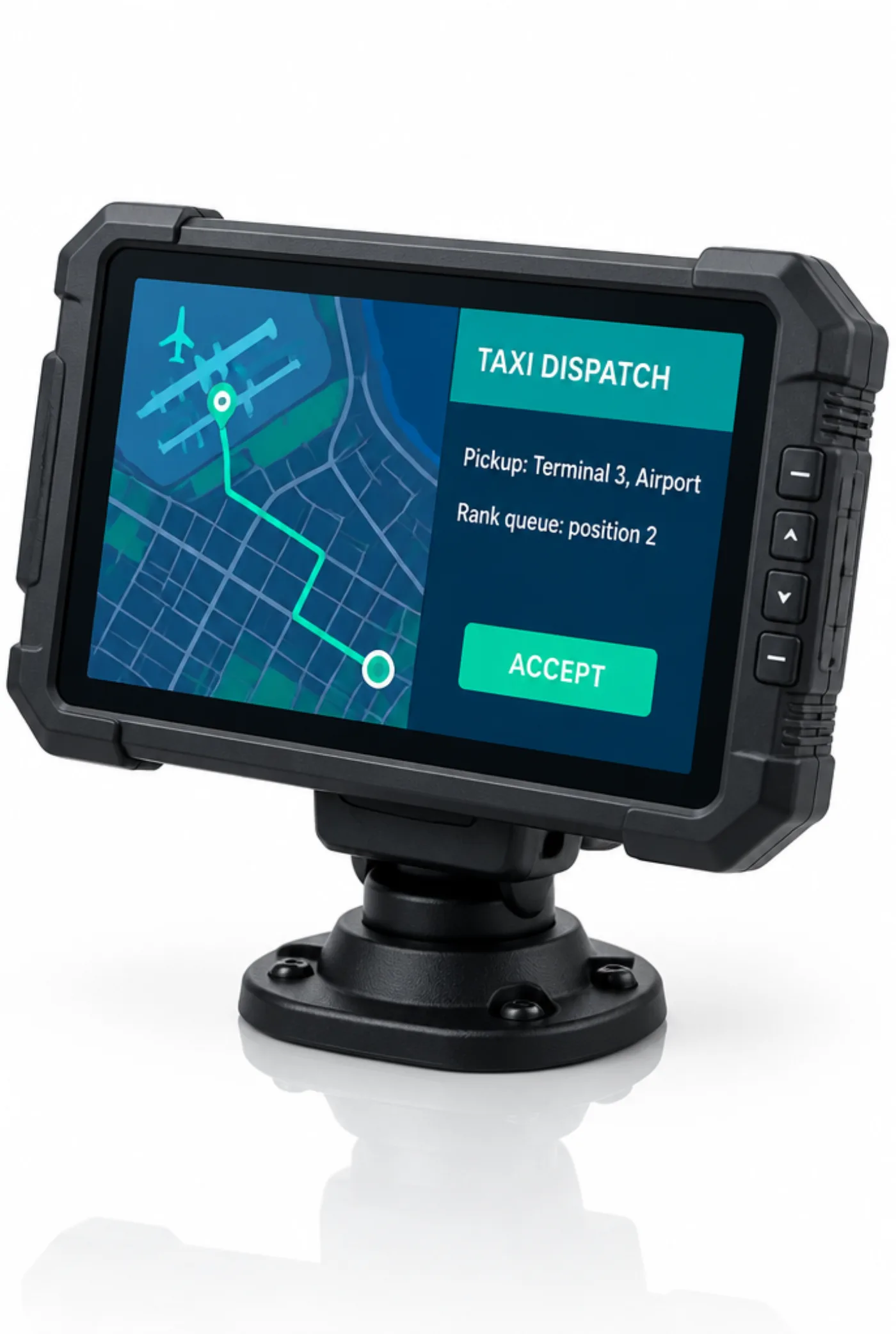
Driver Companion is written for the terminal it runs on rather than ported onto it. Screen layout, touch targets and contrast are designed for a driver glancing at a dash-mounted display in daylight, and the application is updated over the air with the fleet in service.
Works with
The in-cab experience is difficult to judge from a slide. We will arrange a fitted vehicle and let your team run jobs through it.
Praxis
Online